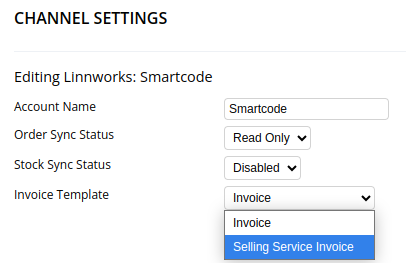
Each Channel found on the Channel List can have a different invoice.
The templates for these invoices can be added and modified on the Template List
Each channel invoice requires two templates; the main template and the items row template. There's also an optional invoice_vatrow
When you add a template you can name whatever you wish. We prefer all uppercase and underscores as spaces however this isn't required. The main template must contain the word "invoice" and the row must contain either "invoice_row" or "invoice row".
For example:
AMAZON_INVOICE, AMAZON_INVOICE_ROW
Amazon invoice, Amazon invoice row
In addition, the Type of invoice must be "Print"
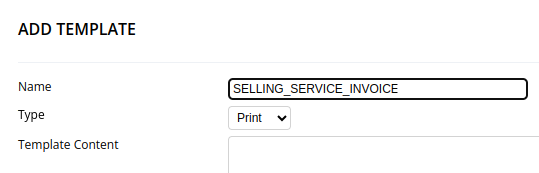
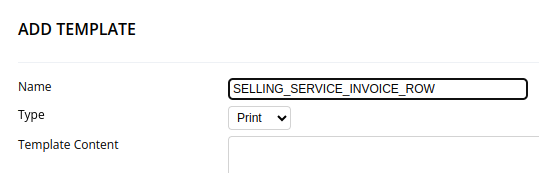
If you need a starting point for your invoice please see the INVOICE and INVOICE_ROW templates, which are the default.
We store variable data within $ symbols.
Available data for main invoice:
$orderId$
$externalOrderNo$
$customerAddressTwoLines$
$customerAddressMultiline$
$deliveryAddressTwoLines$
$deliveryAddressMultiline$
$customerPhone$
$customerEmail$
$invoiceDateDateOnly$
$invoiceDateFull$
$barcodeImageData$
$orderItems$
$vatRow$
$subtotal$
$shippingCost$
$total$
$giftMessage$
And for the invoice row:
$productCode$
$quantity$
$productDescription$
$individualSalePrice$
$salePrice$
$itemsPriceMinusVat$
$vatOfItems$
Once the template is completed, it can be selected when editing a channel.