
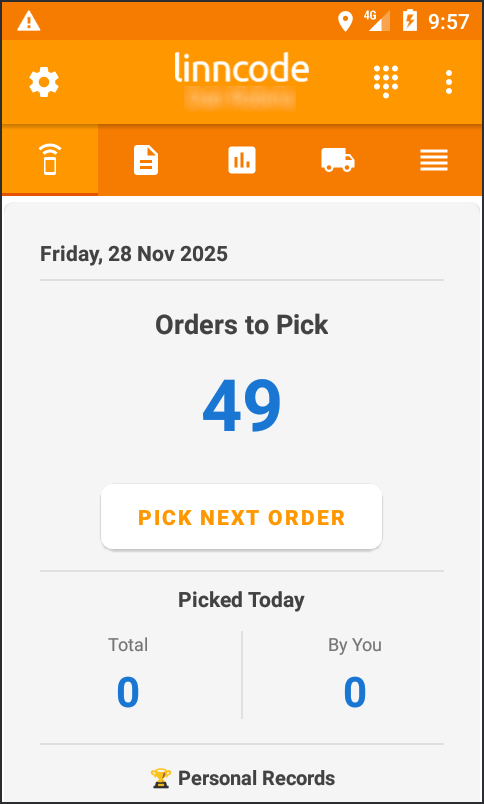
When in the Pickscan mobile app you can scan an item of stock from the home screen and the order list tab
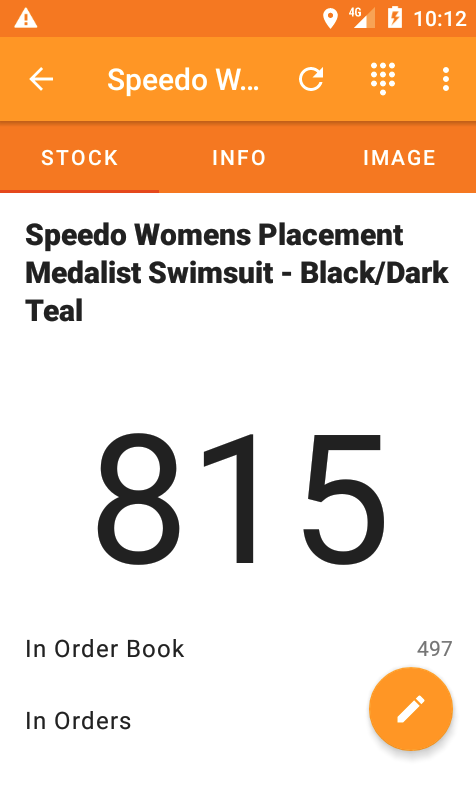
Scanning an item will then display its top level detail

What are you looking for?
Get help straight from our team...
Pickscan for Linnworks
How to alter an items stock amount
Last updated on 20 Mar, 2026
When in the Pickscan mobile app you can scan an item of stock from the home screen and the order list tab
Scanning an item will then display its top level detail