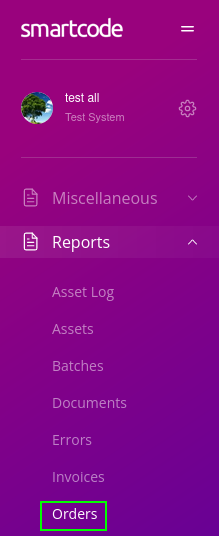
If a courier label does not print as expected the cause is often the shipping address data. To verify this, log into your Smartcode web admin control panel and access the 'Order Log'
(Note that your list may differ, depending on the enabled features)
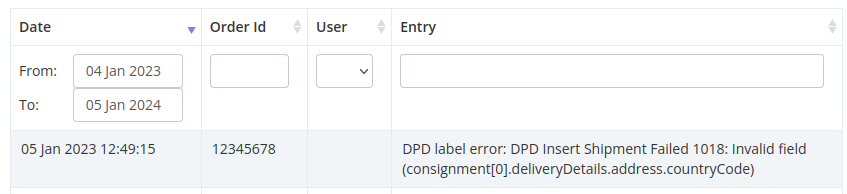
You can then view all your order history, including the print submissions. If there has been an error at time of print it will be shown in the final column. Here is an example of an error listing