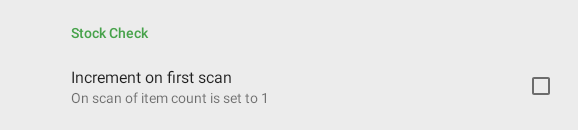
If you are planning to conduct a stock check by item scan you may wish to enable the 'Increment on First Scan' setting which will allows the initial scan of an item to set the counter to '1'.
To enable this setting tap your setting icon in the top right

Then scroll to the 'Stock Check' section and enable 'Increment on first scan'