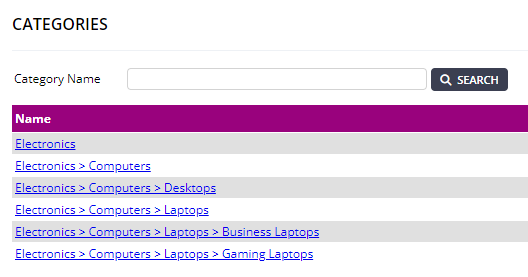
WMS offers multi-level categorisation which allows for a more granular and detailed organisation of products.
To access the available categories, select "Configuration" from the menu, and then select the "Categories" tab.
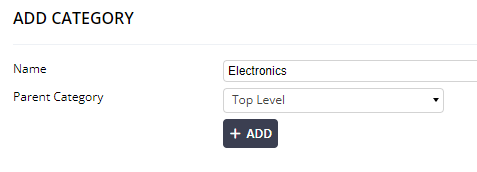
Adding a new category is done via the "Add" button in the top right. In this example we have chosen a add a top level category of "Electonics". Selecting the "Add" button will submit the new category.
You are then able to add multi-level categories as you see fit, as in the example below.