

To install the app, navigate to the Linnworks Application Store and search for "DX Express". This will allow you to install or manage the application.
Once installed the application will appear as a Shipping Application within Linnworks. To view navigate to Shipping > Integrations to configure the application.
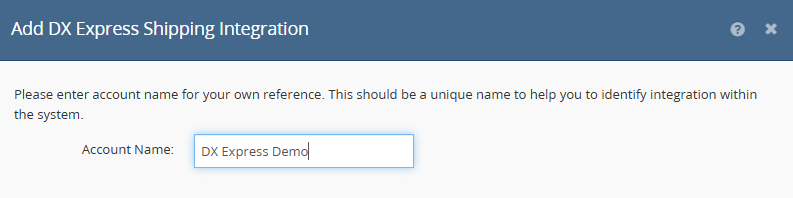
Select to add the integration and you will be asked to enter an account name and be asked for your API credentials.
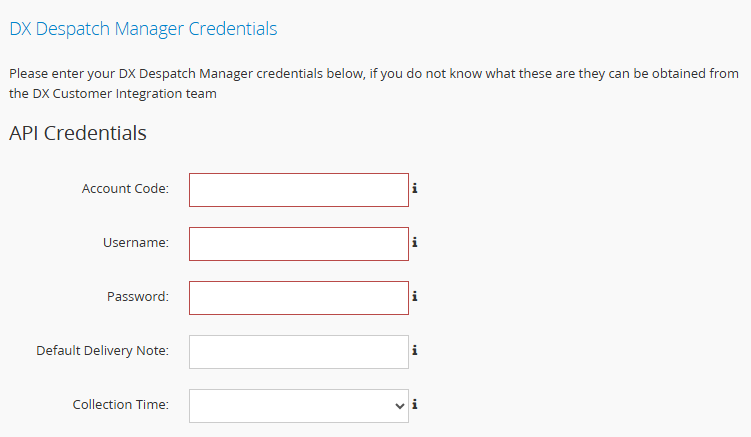
At this point you may also enter some optional information:
Default Delivery Note
A fixed delivery note which would be used as a default in absence of a Linnworks delivery note against the order.
Collection Time
A collection time can also be specified. Any labels printed after the specified time will use the next day as the dispatch date. You can discuss this feature with the DX Customer Integration team.
Once all details are entered click "Next" to save the confiuration.
To add specific services to Linnworks, select the "Services" button. Here you can add any required services to the system:
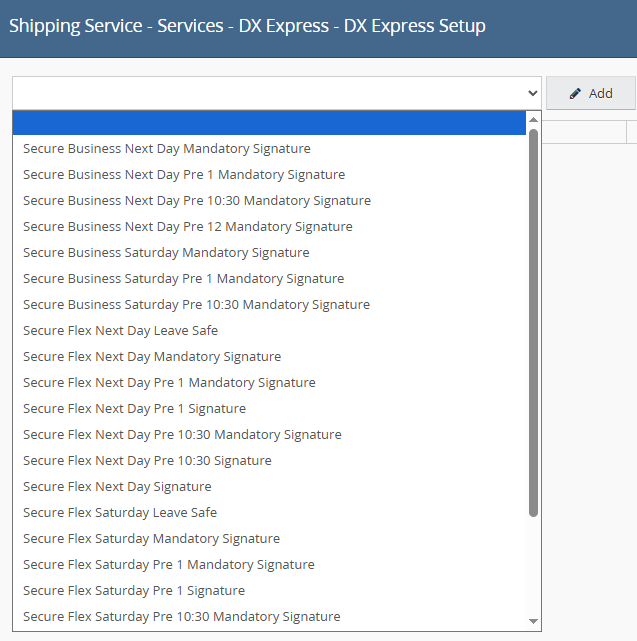
Once added, you can name the service using the "Linnworks Service" text box.

If required, you can then further configure the service using the "Edit" button. This will allow you to specify the Package Type and also include if Additional Transit Liability should be included.
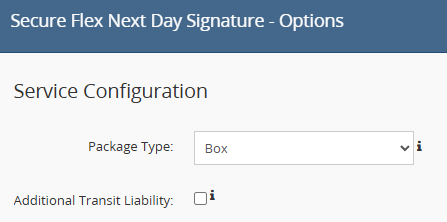
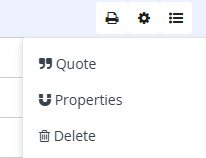
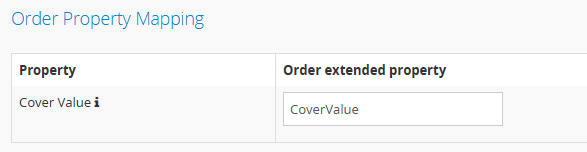
If including additional transit liability for the service, the default cover value to use is the order total. An optional order extended property may also be used and this can be configured in the properties section of integration configuration.
The extended property name can be configured to a name of your choice. It is set to CoverValue in the example below.
Once all required services have been added, they will become available to use with Linnworks.