

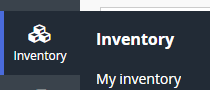
In Linnworks.net tap 'My Inventory'
Click the SKU of the item that you would like to add an extended property for and you will see the Product Details window.
Tap on the Extended Properties tab
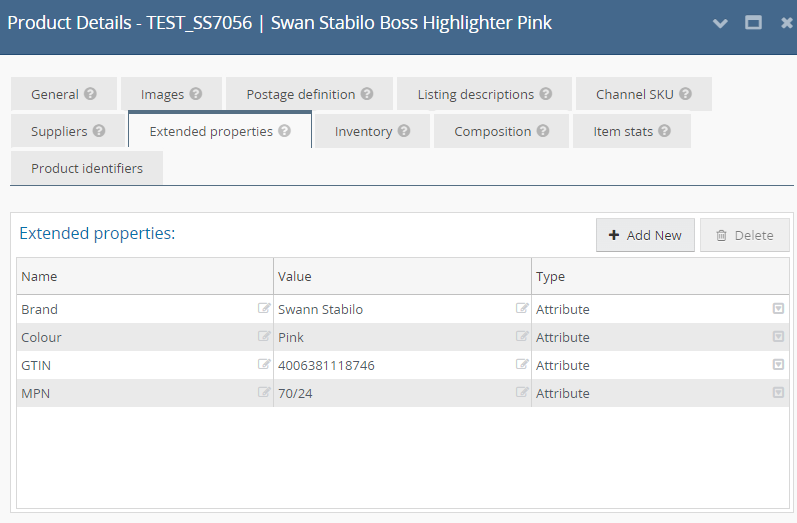
From here you can add new extended properties by clicking the 'Add New' button.
. The extended properties we currently support are
smartcode_barcode_1: Additional barcode field
smartcode_barcode_2: Additional barcode field
smartcode_barcode_3: Additional barcode field
smartcode_preassembled: Used for composite items that are pre assembled so can use a parent barcode value to scan
supplier_barcode_[x] and supplier_carton_size_[x]: Supplier carton barcodes used to allow cartons to be specified with a quantity.
Once entered a new extended property would look like this
